Machine translation without native-speaker review. The English version is binding. · bosanski English
QR how-to guide · bosanski
How to scan a QR code · bosanski
Most iPhone and Android phones can scan a QR code from the built-in camera. You do not need a DurableQR account to scan a code. · bosanski
The steps below describe the phone-side workflow. The example illustration is a guide asset, not a claim about every camera or operating-system version. · bosanski
Use the system camera · bosanski
Open the regular Camera app on an iPhone or Android phone. Hold the phone so the whole symbol is inside the frame and keep the lens parallel to the printed surface. · bosanski
- Open the Camera app or the QR scanner provided by the phone. · bosanski
- Aim at the whole symbol and keep the phone still for a moment. · bosanski
- Tap the notification or banner that shows the recognized link. · bosanski
- Read the address and open it only when you recognize the destination. · bosanski
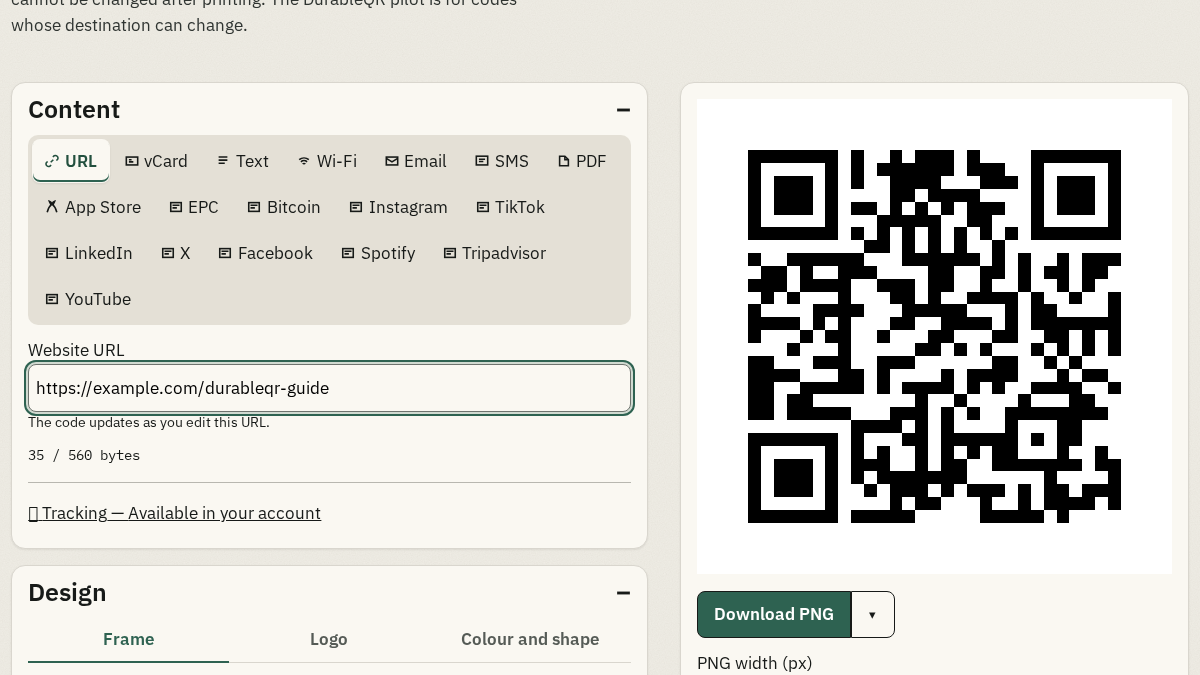
Check the recognized address · bosanski
A QR scan can open a web address, an email draft, a text value, a contact, or Wi-Fi details. Check the domain and the action shown by the phone before continuing. A scan prepares an action; it does not send an email or SMS by itself. · bosanski
If the camera does not recognize it · bosanski
Move away slightly, clean the lens, reduce glare, and try an even, well-lit view. A small or blurred print can be difficult for a phone to read. If the problem continues, try another camera or check the original file and print. · bosanski
Frequently asked questions · bosanski
Do I need an account to scan a QR code? · bosanski
No. Scanning uses the phone and the action encoded or linked by the symbol. An account is only needed to manage a dynamic code. · bosanski
Should I open every link shown after a scan? · bosanski
No. Read the recognized address and continue only when you recognize the destination and expected action. · bosanski
What if the code is hard to scan? · bosanski
Try a steady view with the whole symbol visible, less glare, a clean lens, and better light. Also check the physical print and the source file. · bosanski